TalkWise AI for Clinics — WhatsApp & Call Assistant for Patients
Handle patient inquiries about appointments, working hours, locations, prices, and services over WhatsApp and web chat — in Arabic and English — using your official information.
Designed for clinics, medical centers, and small hospitals in Iraq & the Middle East.
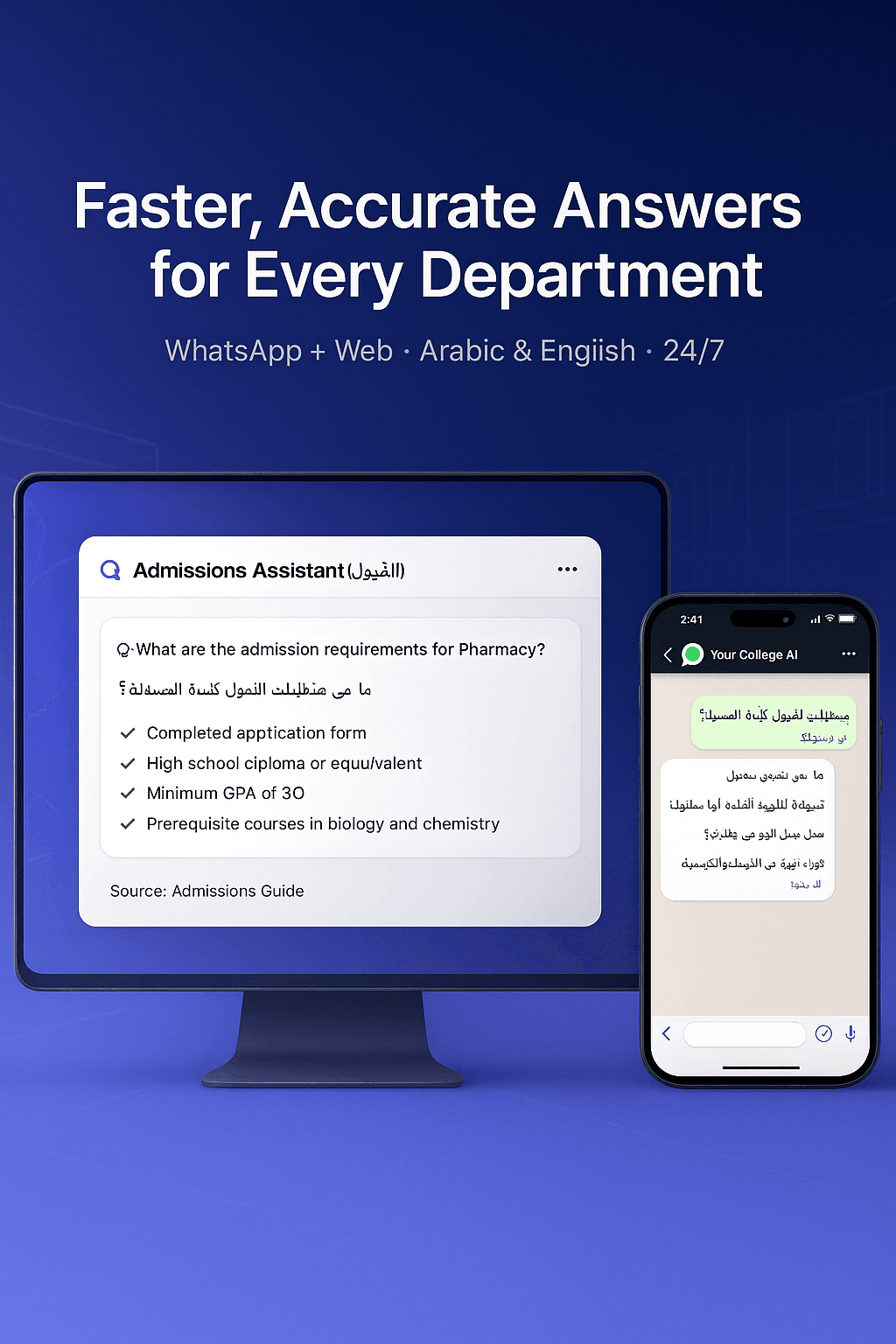
24/7 WhatsApp receptionist
Answer common patient questions about services, doctors, and availability instantly, without missing messages.
Web chat on your site
Embed a chat widget so visitors can ask about services and working hours directly on your website.
Answers from your official info
Upload your services, doctor profiles, clinic locations, and FAQs. The AI answers from your own content.
Bilingual by default (AR/EN)
Patients can write in Arabic or English. TalkWise AI detects language automatically and can switch mid-conversation.
Smart appointment hand-off
Capture patient details and hand them to your existing booking system or staff via WhatsApp or dashboard.
Analytics for owners & managers
See peak times, common questions, and patient intent (new vs existing patients) to improve operations.
Who is TalkWise AI for?
Dermatology, dental, cosmetic, eye, and other clinics with many daily WhatsApp inquiries.
Centers with multiple departments and doctors that need a unified front-line assistant.
Emergency and outpatient departments that receive repetitive questions about services and timing.
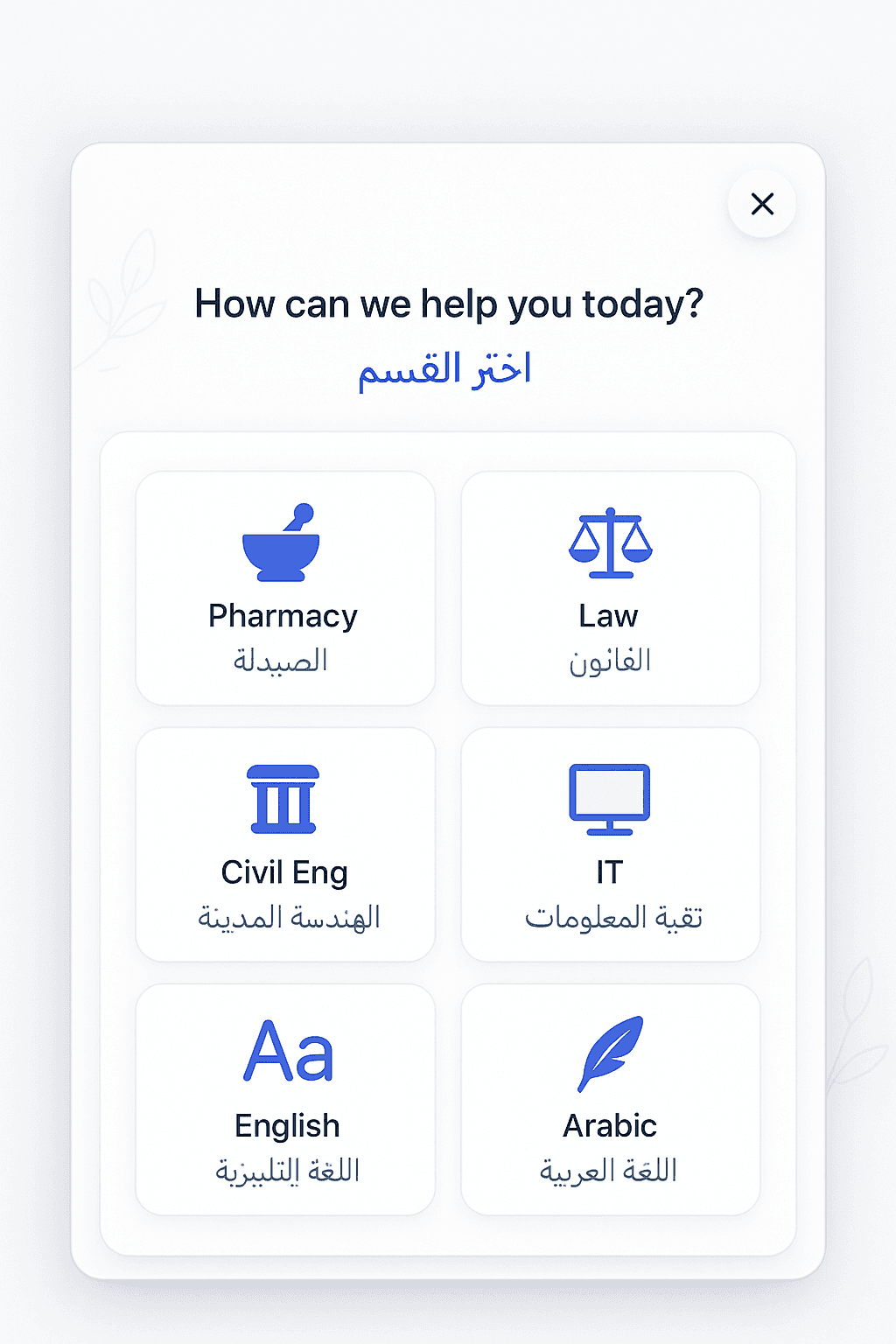
Product Screens for Clinics
Example views of WhatsApp flows, web chat, and analytics for clinics.
How it works for your clinic
Upload your clinic information
Add services, doctor names, working hours, locations, and FAQs so the AI can answer accurately.
Connect patient channels
Start with a shared WhatsApp number and a chat widget on your website or landing page.
Go live & refine
Review real conversations, adjust answers and content, and optionally connect your own official number.
How to start your clinic pilot
Start with a shared WhatsApp number (pilot)
Recommended- 1Request a pilot and get access to your TalkWise AI dashboard.
- 2Upload a basic list of services, doctors, and working hours.
- 3Share the pilot WhatsApp link on your social media and website.
- Settings → WhatsApp: copy the auto-generated pilot link.
- Phone Numbers → Subscription Info tab: see the assigned shared number.
Ideal for a 2–4 week pilot before connecting your official clinic number.
Use your official WhatsApp number
- 1After a successful pilot, choose “Use our official number” inside your dashboard.
- 2Complete the subscription and business verification for your clinic.
- 3We handle WhatsApp Business / Twilio sender registration and activation for you.
- Phone Numbers → Subscription Info tab: shows your verified clinic number and status.
- Settings → WhatsApp: copy the official wa.me link once the number is active.
Recommended after your team is happy with pilot results and flows.